Missing Google Takeout metadata?
Restore photo dates, GPS locations, timestamps, and EXIF information.
Restore missing EXIF dates, GPS coordinates, timestamps, and other metadata from Google Takeout archives. Everything runs locally in your browser—your files never leave your device.
* Recovery accuracy based on standard Google Takeout exports with complete JSON sidecar files. Results may vary with partial or corrupted exports.
The Google Takeout Problem.
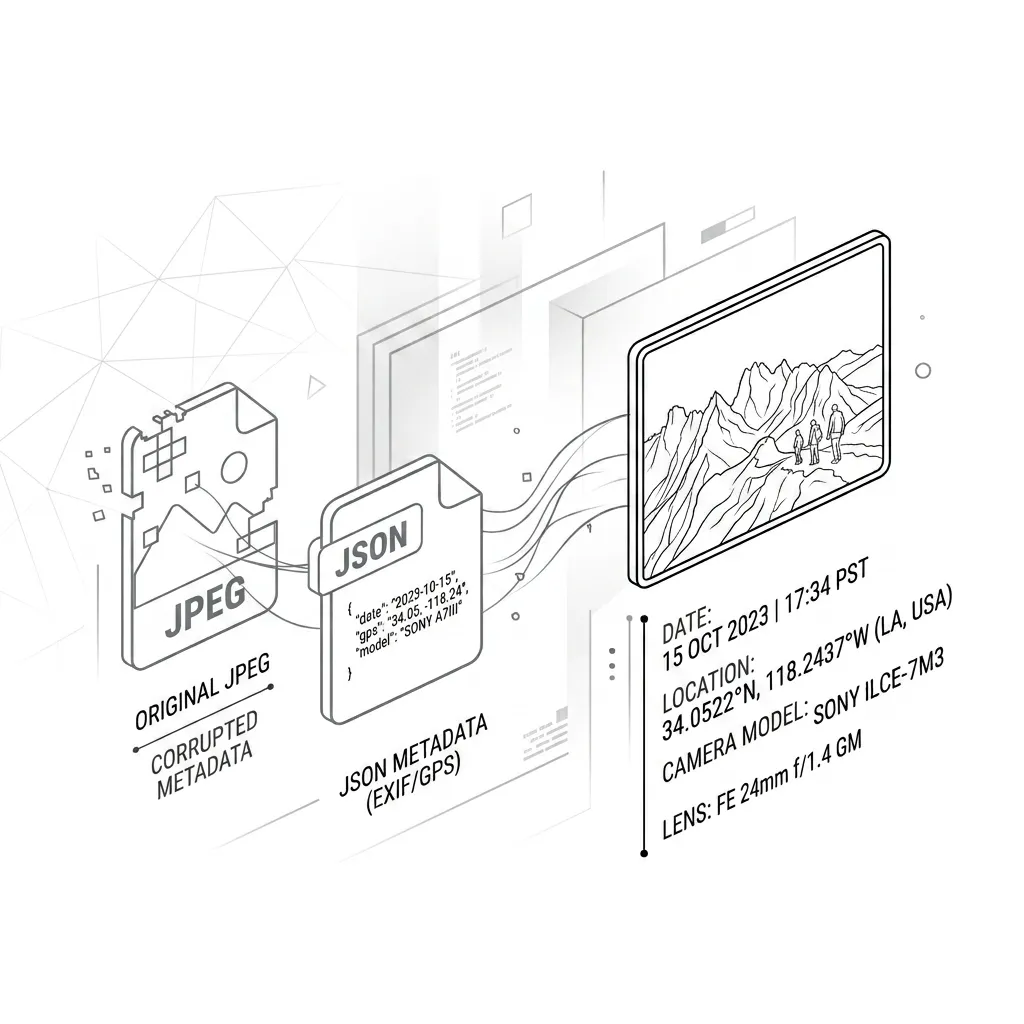
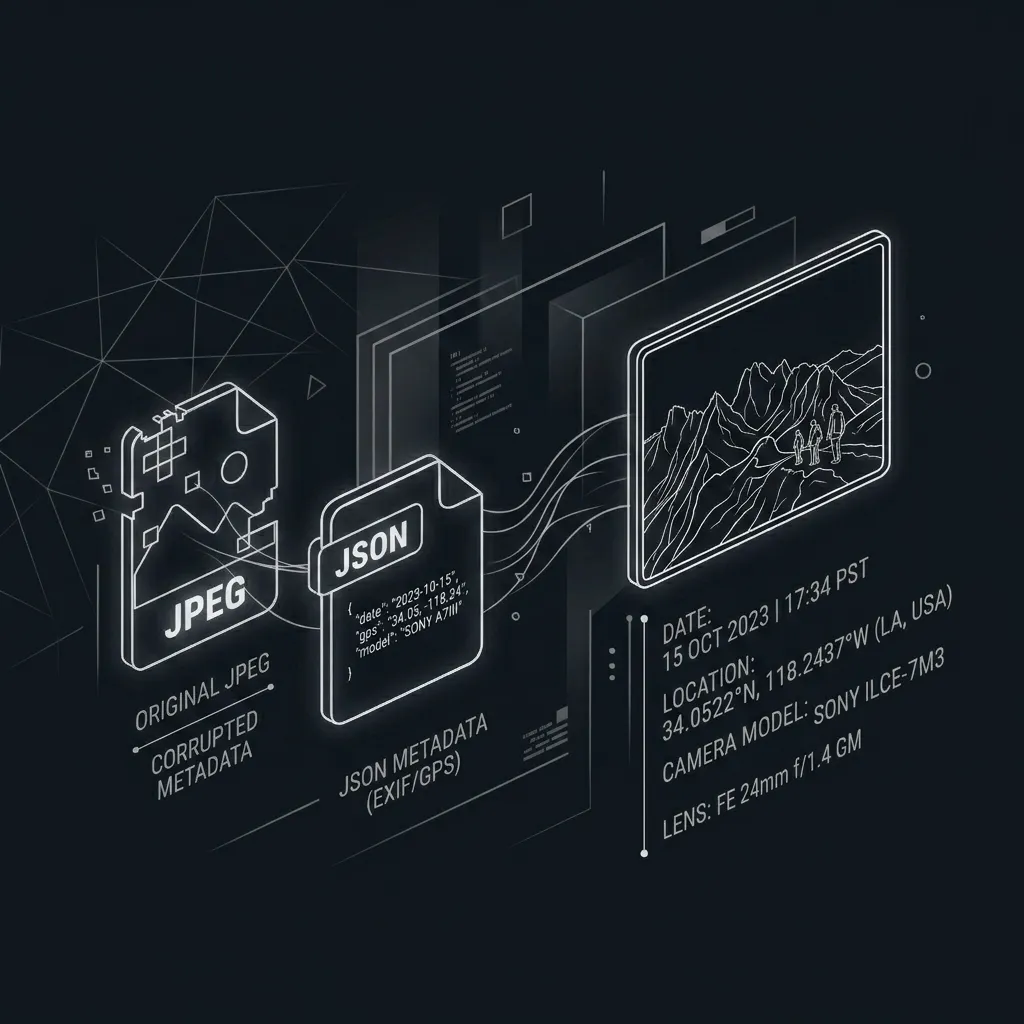
When you export your data from Google Photos using Google Takeout, your files are systematically stripped of their most important context.
Google Takeout separates metadata. Your original `.jpg` or `.mp4` is exported cleanly, but the timestamps and GPS coordinates are exiled to a completely separate `.json` sidecar file.
Without intervention, your photos lose dates and your gallery timelines break. Your precious memories from 2014 will show up as "Today" on your new device.
The TakeoutFix Solution
IMG_9942.jpg
2.4 MB · JPEG Image
IMG_9942.jpg
EXIF Injected
Your Files Never Leave Your Device.
We built TakeoutFix to run entirely inside your web browser. When you select your Takeout folder, our engine reads the files, matches the metadata, and writes the restored files directly to your hard drive.
Zero uploads. Zero cloud processing. Privacy by Design.
Local Processing
Harnessing the power of HTML5 File System Access APIs, we process gigabytes of data locally utilizing your machine's CPU.
Direct Write
Restored files are injected with EXIF data and saved directly back to your local storage without ever touching an external server.
Files stay on your device
No tracking, no telemetry on your personal files. Your private memories remain strictly under your control.